The coverage links document, news release and pictures should all be saved here in the client’s MS Teams folder.
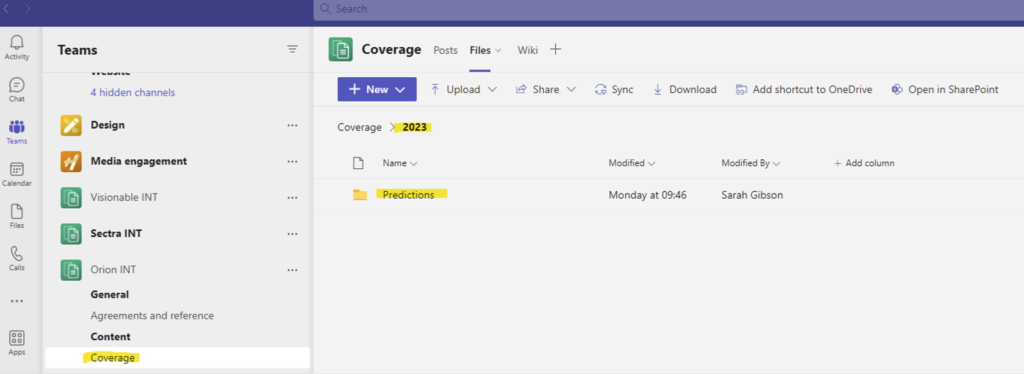
Client’s name – coverage folder – year folder – then create a folder with the release as the title, then add the relevant documents.
All the coverage should be saved in a coverage links document withing this folder and when new coverage is added you need to share this with the account leader via the chat function in MS Teams. To do this add the coverage links document as an attachment then tag the account leader in the chat. The title of the chat should be the release title.